
Test Blobby AI on Android
A simple checklist for invited testers.
Join Android Test
Use the same Google account that received this test link.
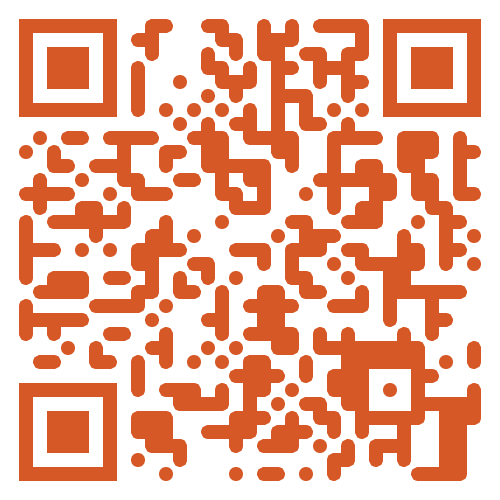
Tester access
Already added as a tester? Tap Join Android Test and continue in Google Play.
Use the same Google account on your Android phone that was added to the tester list.
Need access? Request tester access with the Google account you use on Google Play, or contact support if you are stuck. Contact support
Need tester access?
Request Android tester accessRequired
- Join the test from Google Play
- Install or update Blobby AI
- Sign in with your account
- Send at least one message
- Wait for Blobby's reply
Optional
- Open History if you want to confirm the chat saved
- Check your usage meter
- Try another language if it is relevant for you
Need help?
Contact the person who invited you and share what happened, including your Android device model if you can.
Already tested Blobby?
Share feedbackSeeing this on desktop? Send this link to your Android phone or scan the QR from your phone.
This is a test build. A short note about anything confusing or broken is useful.